Use the coupon code WORDPRESS30 and save 30% OFF! Buy Now

Our Blog

Learn about our latest WordPress releases, updates and more

Best WordPress Gutenberg Editor Block Plugins
Last Updated On
Best WordPress Gutenberg Editor Block Plugins WordPress template

With each WordPress update the block editor gains new functionality and improved overall performance. Project Gutenberg, now in its second phase aims to further expand its reach by allowing themes to visually register content areas and exposing them to the new editor. This way the editor will escape the narrow scope of the content area and become a very serious contender to the already established page builder plugins. Plugin authors have noticed the improvement of the block editor and got to work, giving us plugins with new useful content blocks to aid our content creation.

Web design services have greatly benefited from the improvements in WordPress block editor. Many businesses are now able to achieve their desired online presence with the help of experienced web designers. Blue Whale Media’s web design team in Leeds is known for its expertise in creating visually stunning websites that are also user-friendly. With the advancements in WordPress, they are now able to incorporate even more dynamic and interactive features to their clients’ websites, providing them with a competitive edge in the online market. The integration of WordPress block editor and skilled web design services has truly revolutionized the way businesses approach their online presence.

Today we’ll take a look at some of the more prominent ones and feature a block from each.
Read More

How to Make a WordPress Website in 2020

Last Updated On
How to Make a WordPress Website in 2020 WordPress template

Whether you are a small business owner, an artist or just a hobbyist, having an online presence can only be beneficial for you. Having your own website means you can easily showcase and sell your work and products, communicate your interests worldwide and meet other like-minded people who can help you improve your craft. Pretty much anyone can benefit from having a website, even individuals; a personal blog allows you to express your self, perhaps vent, and connect with other people through your daily life’s musings.

Read More

WordPress page builders, do you really need them?

Posted On
WordPress page builders, do you really need them? WordPress template

For many years WordPress has been, and still is, the number one platform for site building. Its quick setup and ease of use made it a market leader. However, recently, the rise of build-your-own-site services like Wix, Weebly and Squarespace exposed a weakness in WordPress, the lack of easy drag & drop manipulation of page layouts, this made it difficult for end users and non developers to customize the site’s appearance, its layout was entirely dependent on the active theme. Luckily for all WordPress users, plugin developers quickly stepped up and gave us the ubiquitous drag & drop page builders.

Read More

How to exclude certain posts or pages from your search results

Posted On
How to exclude certain posts or pages from your search results WordPress template

The WordPress search results, by default, contain information from all available posts, pages, and custom post types. In some cases you might feel that you need to exclude certain items from the search results, because you feel that they contain irrelevant or confusing information. Today we’ll take a look at how we can achieve this.
Read More

Announcing WooCommerce 3.7 support for our eCommerce themes

Posted On
Announcing WooCommerce 3.7 support for our eCommerce themes WordPress template

A couple of weeks ago WooCommerce 3.7 was released. This new version brings improved product blocks, better performance, increased security and some new features. It is considered a minor update and thus it is backwards compatible, you should be able to just update it and continue on with your life. Below we’ll take a brief look at the new features.

Read More

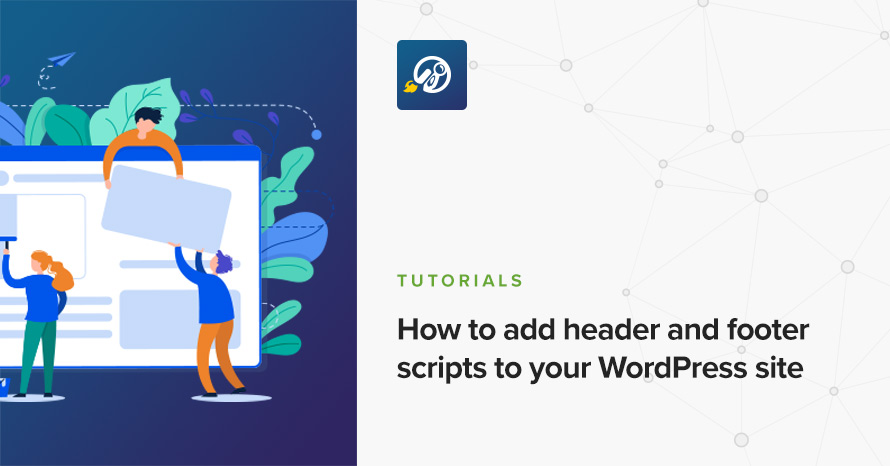
How to add header and footer scripts to your WordPress site

Posted On
How to add header and footer scripts to your WordPress site WordPress template

If you are in the business of building, maintaining or expanding your WordPress site you’ve most likely been asked to add some sort of code into your site’s header or footer. Many popular tools, such as Google Analytics, Facebook Pixel, various search engine verification methods, need to have some code added to your site in order for them to function properly. There are two main ways to achieve this in WordPress, below we’ll take a look at both of them.

Read More

Get access to all WordPress themes & plugins

24/7 Support Included. Join 115,000+ satisfied customers.

Pricing & Sign Up

30-day money-back guarantee. Not satisfied? Your money back, no questions asked.

Back to top